
- Chrome 86 is the Newest version
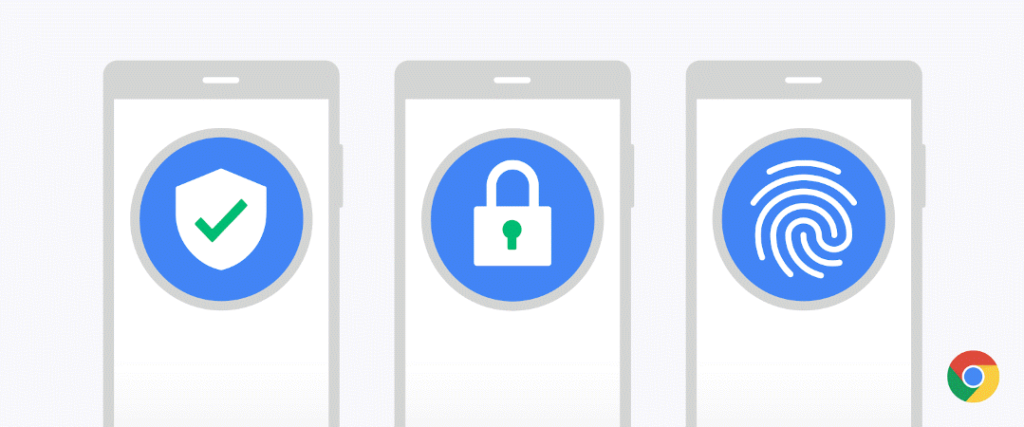
- New security features that debuted on desktop Chrome are now coming to mobile with version 86
- Chrome 86 will further reduce processing and power consumption by throttling CPU usage to only use 1%
The latest update to version 86’s release on Android, Mac, Windows, and Linux, the next release of Google’s Chrome browser is now out. Chrome 86 makes a number of security-focused additions and a handful of other security linked tweaks.
New security features that debuted on desktop Chrome are now coming to mobile with version 86 such as:
- Password Checkup, which can analyze whether your saved credentials have been compromised in leaks, is now available on Android and iOS.
- Enhanced Safe Browsing shares “uncommon URLs” in real-time with Google to determine whether you’re about to visit a phishing site or encounter malware. As the optional mode comes to Android with this release, the company notes a “20% drop in users typing their passwords into phishing sites.”
- Face ID, Touch ID, or phone passcode can be used as an authentication method to Autofill passwords on iOS. Android in July added a similar touch-to-fill passwords feature.
Google is requesting websites to adopt an example.com/.well-known/change-pass URL. This allows the default password manager to display a big button. The button lets users quickly change their password credential compromised.
Long URLs that include the correct page name are often used to spoof people into thinking they are on a desired site. To combat this common phishing tactic, Chrome 86 will test only showing the registrable domain in the address bar as part of a test in Chrome 86. Users will have the option to see the full URL.
What new features are introduced?
Chrome 86 features a new “Safety Tip” on sites with URLs that look “very similar” to those of other browsers. Meant to combat spoofing, client-side heuristics are leveraged with Google throwing up a “Did you mean?” warning that makes you confirm the address before forwarding.
Chrome 86 will block users from downloading archives (.zip and .iso files) over HTTP on an HTTPS page. The downloads bar will contain a “(filename) can’t be downloaded securely” message. This version will also start warning about non-safe file types, including PDFs.
Chrome will make it more explicit when an “Update” is available. Your profile avatar will display a green warning on the right.
Version 86 sees the browser default to the Windows-native spell checker on devices that have the corresponding language packs installed. Google will otherwise fallback to Chrome’s built-in offering. Chrome 86 will further reduce processing and power consumption of background tabs.